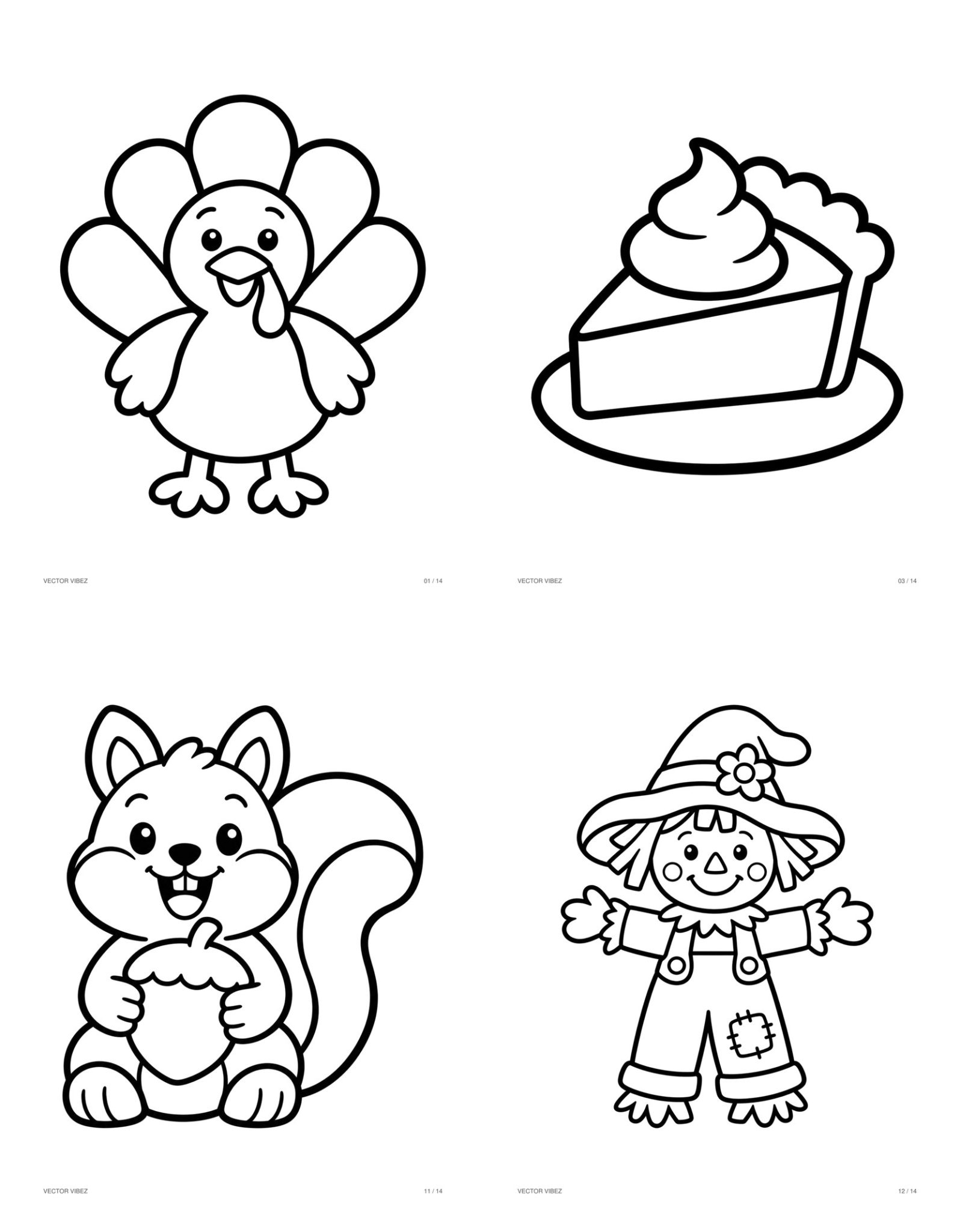
This free Procreate Thanksgiving coloring pack has 14 bold, easy designs as layered PSD files, ready to import on your iPad. Each page is US Letter at 300 dpi (2550 x 3300 px), with a Color here layer under the line art so you can paint without losing the outlines. The set includes a happy turkey, harvest favorites, table treats, and two friendly faces: a squirrel and a scarecrow. Pop your email on the page to unlock it.
Here is a look at the full set, plus a closer view of a few pages:



What’s in This Pack
Here is everything in the pack. Each design is its own layered PSD.
Harvest favorites
- A happy turkey
- A pumpkin with a leaf
- An ear of corn
- A cornucopia
- A maple leaf
- An acorn and leaf
- A trio of autumn apples
Table treats
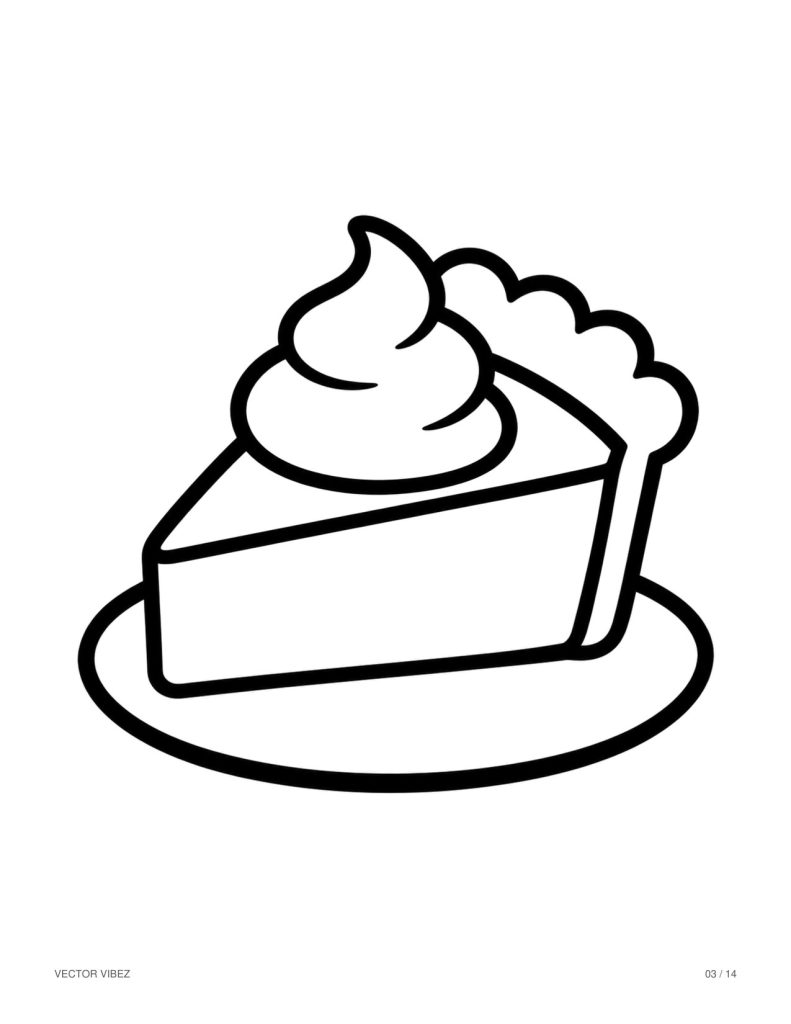
- A slice of pumpkin pie
- A basket of dinner rolls
- A cranberry sauce jar
- An oven mitt and spoon
- A Thanksgiving place setting
Friendly faces
- A smiling squirrel with an acorn
- A scarecrow in overalls
How to Import These Pages into Procreate
The download is a ZIP of 14 layered PSD files, plus a short START HERE guide. Procreate opens each PSD as a separate canvas.
- Save the ZIP to the Files app on your iPad. You can AirDrop it from a computer, or download it directly on the iPad. Tap the ZIP to unzip it.
- In Procreate, go to Gallery > Import and choose a PSD. Each PSD opens as its own canvas. Import from the Gallery, not from inside an open canvas, so all the layers stay intact.
- In Layers, select Color here and paint. Leave Line art above it so the outlines stay visible. You can hide the Vector Vibez footer or White paper layers if you prefer.
Tip for ColorDrop: tap the Line art layer thumbnail, choose Reference, then switch back to Color here before dragging in a swatch.
More Free Procreate Coloring Pages
Browse every free Procreate pack on our Free Procreate Coloring Pages page. We’ll add more giveaways there as they go live.